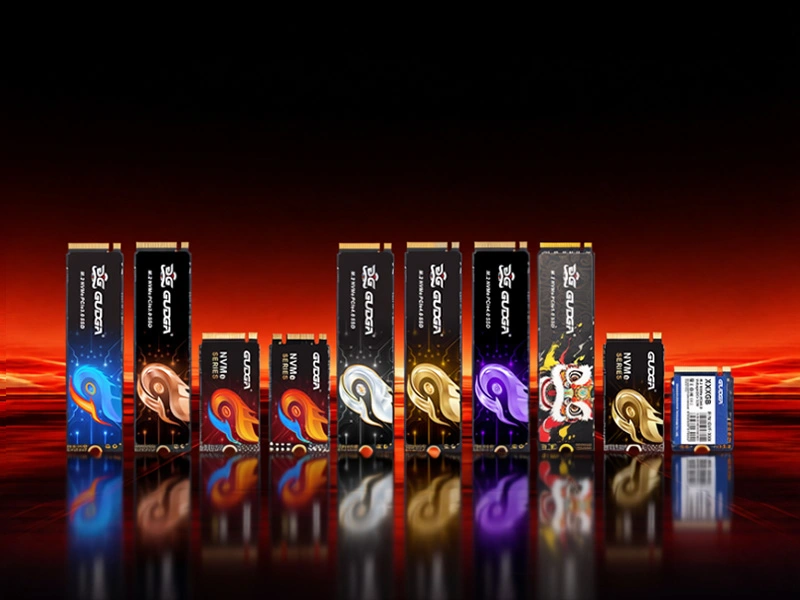
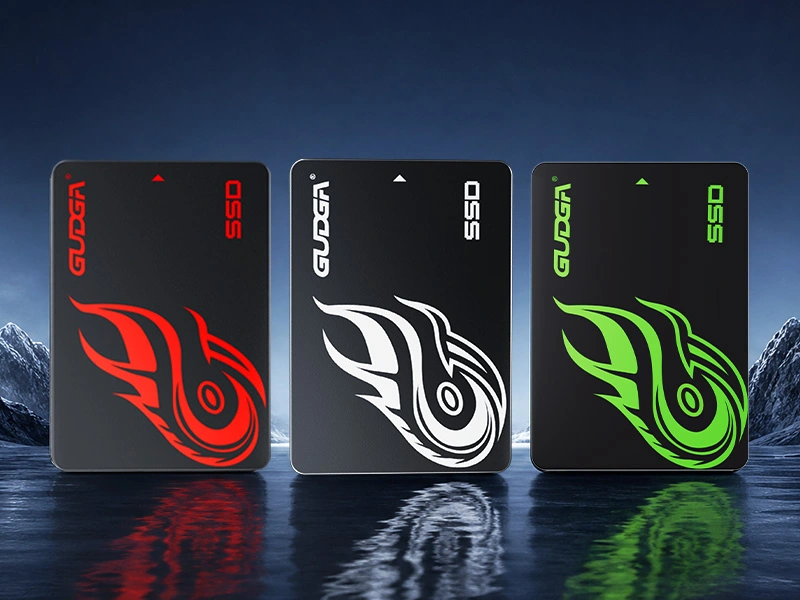
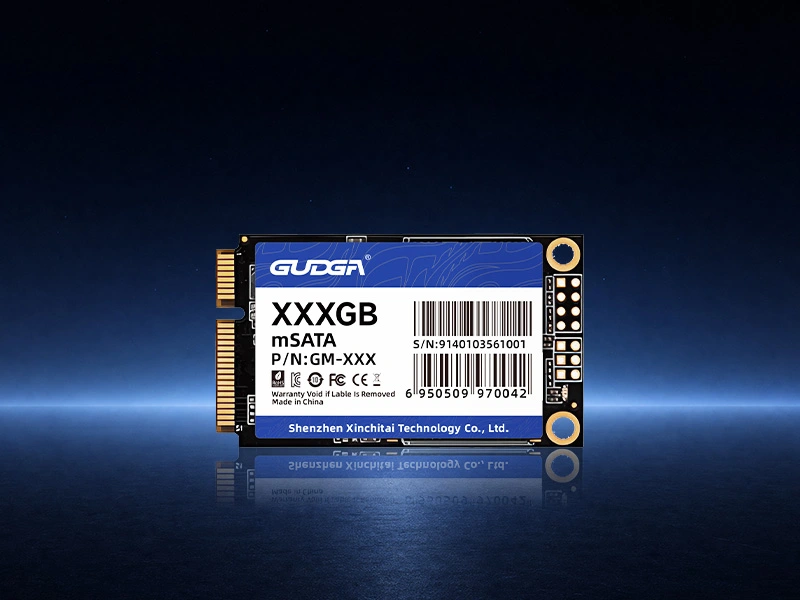
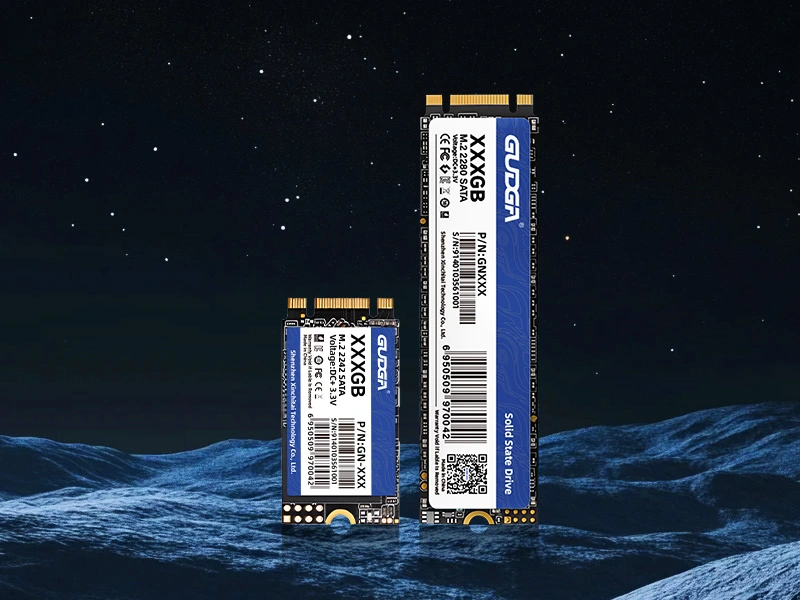
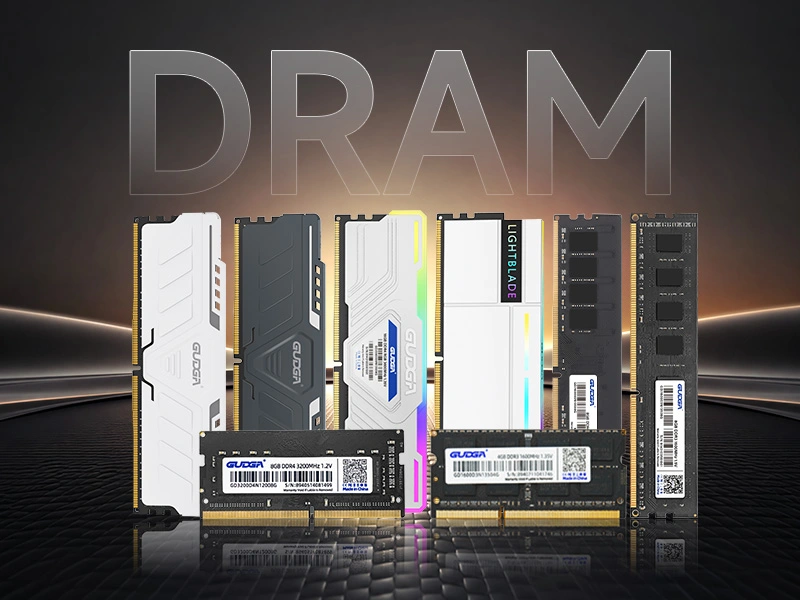
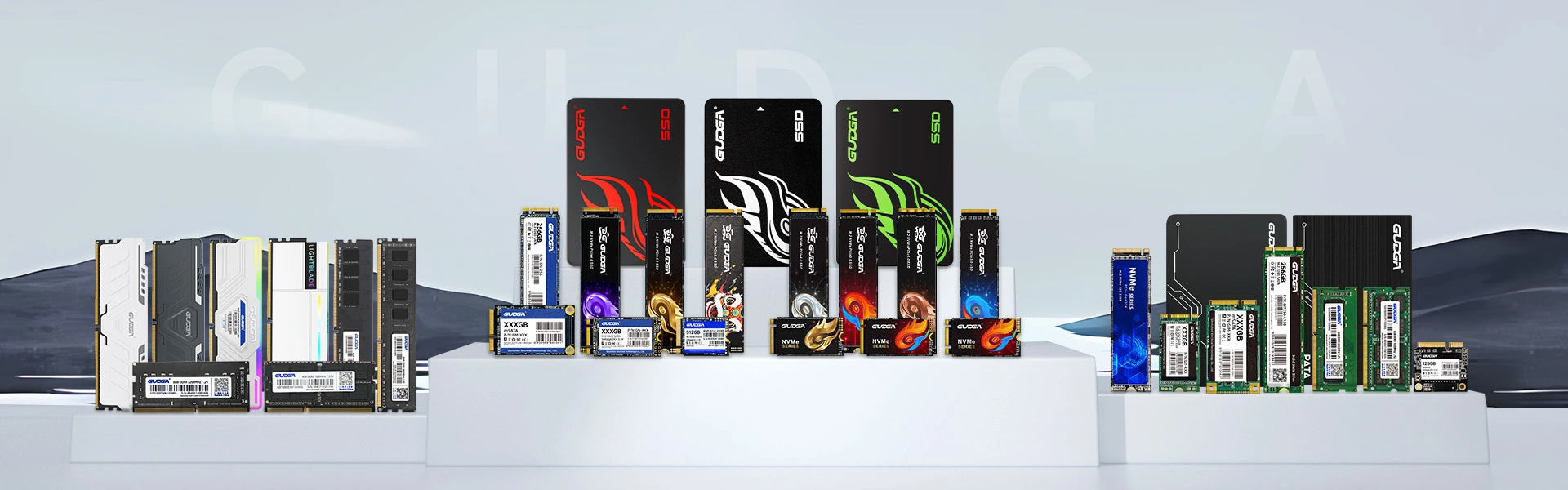
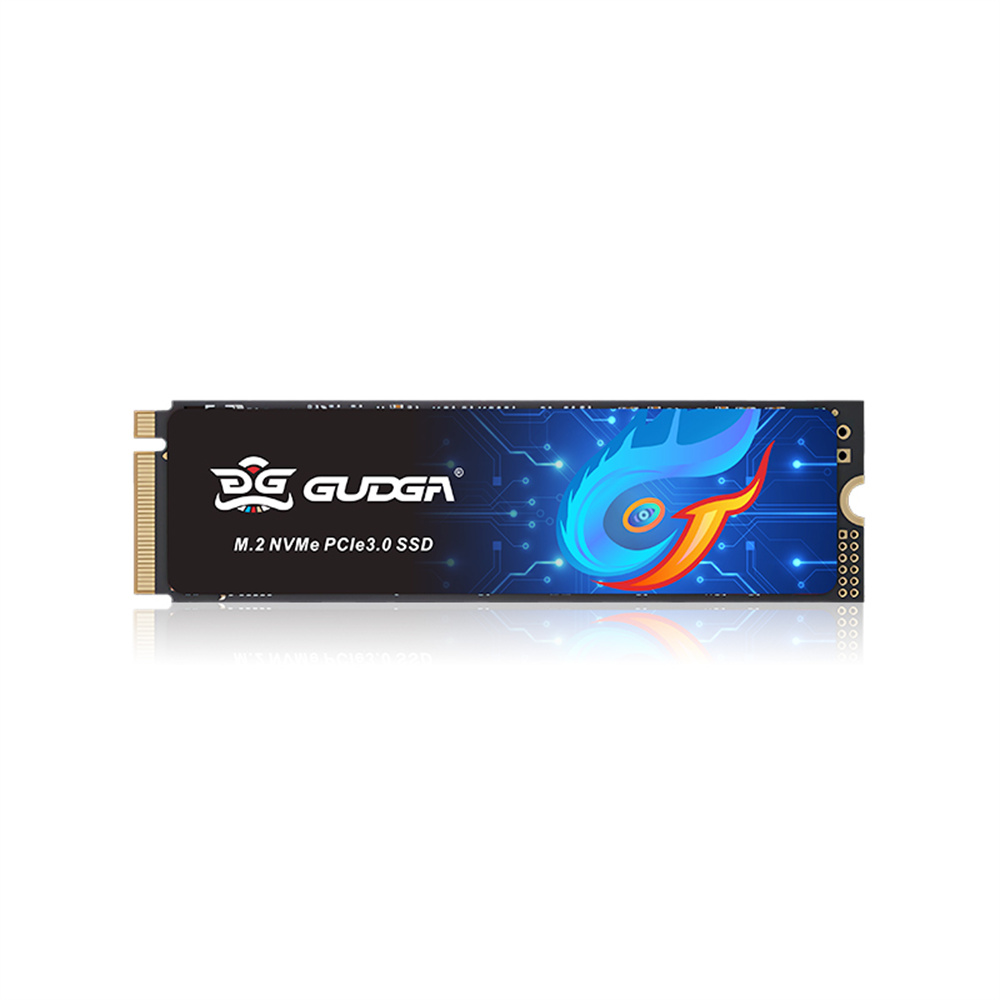
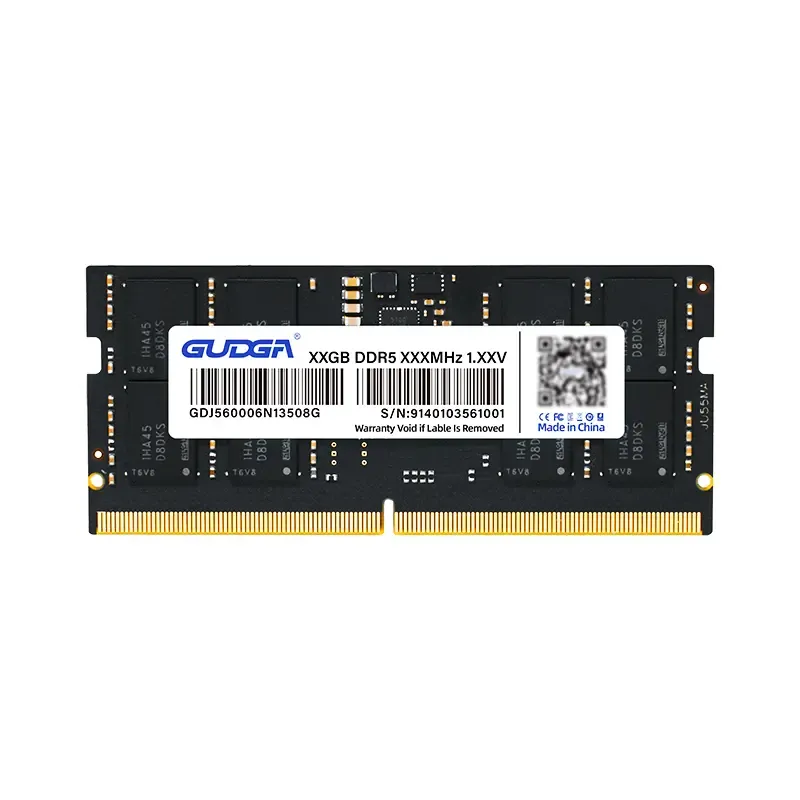
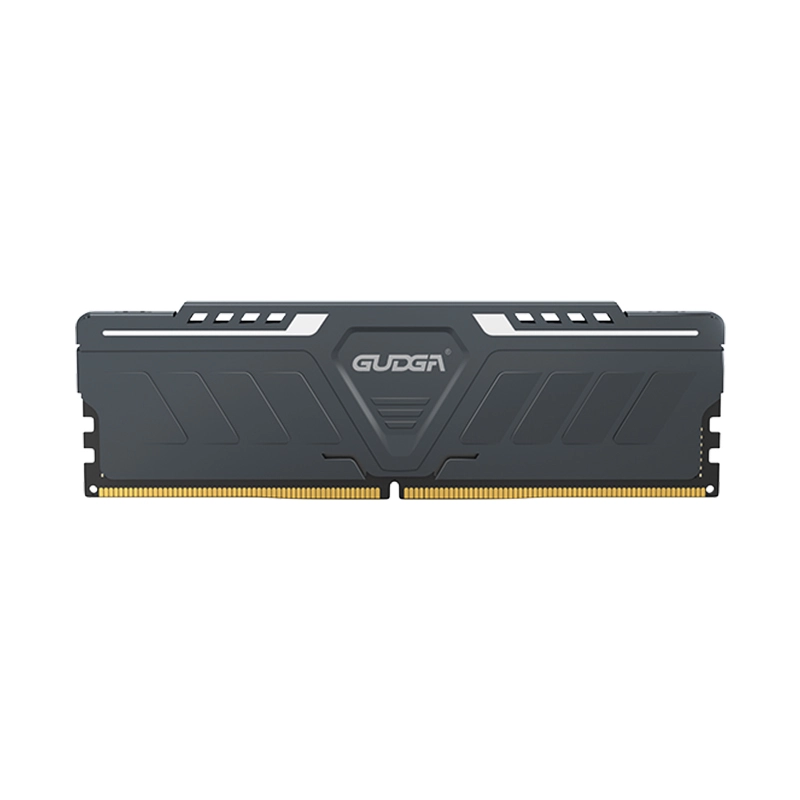
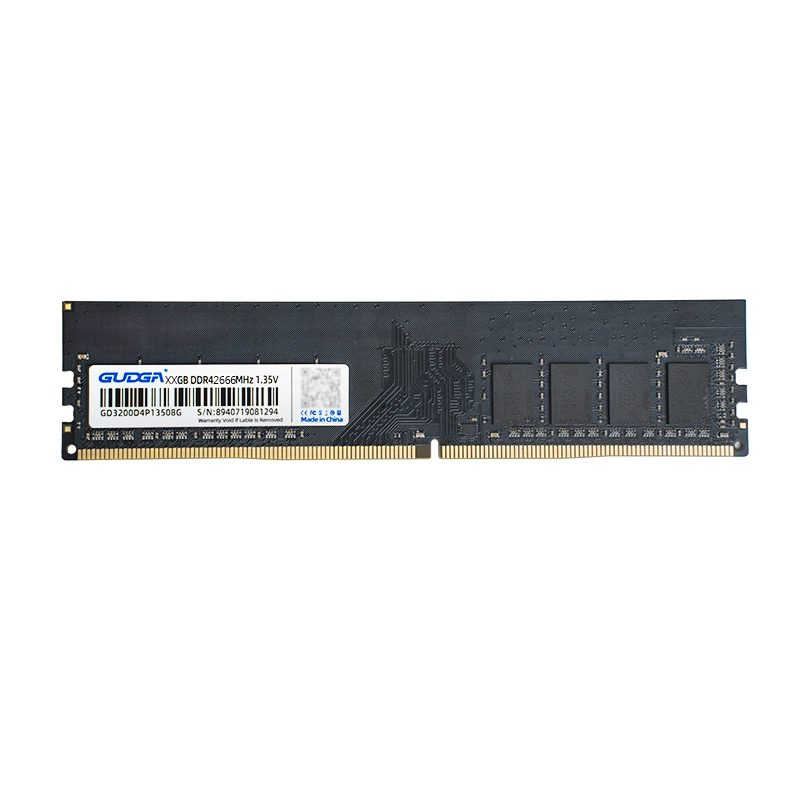
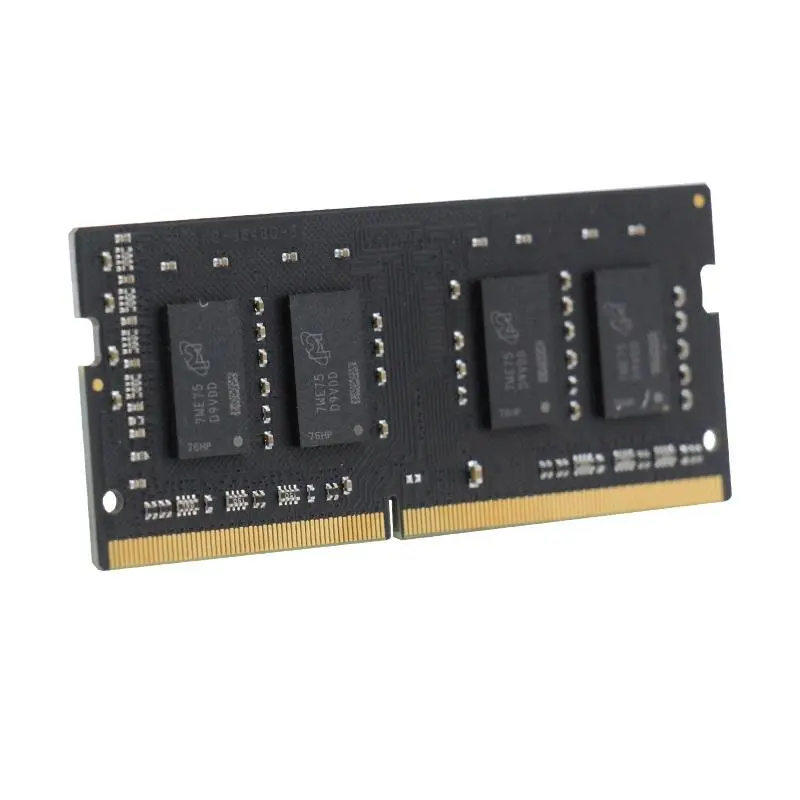
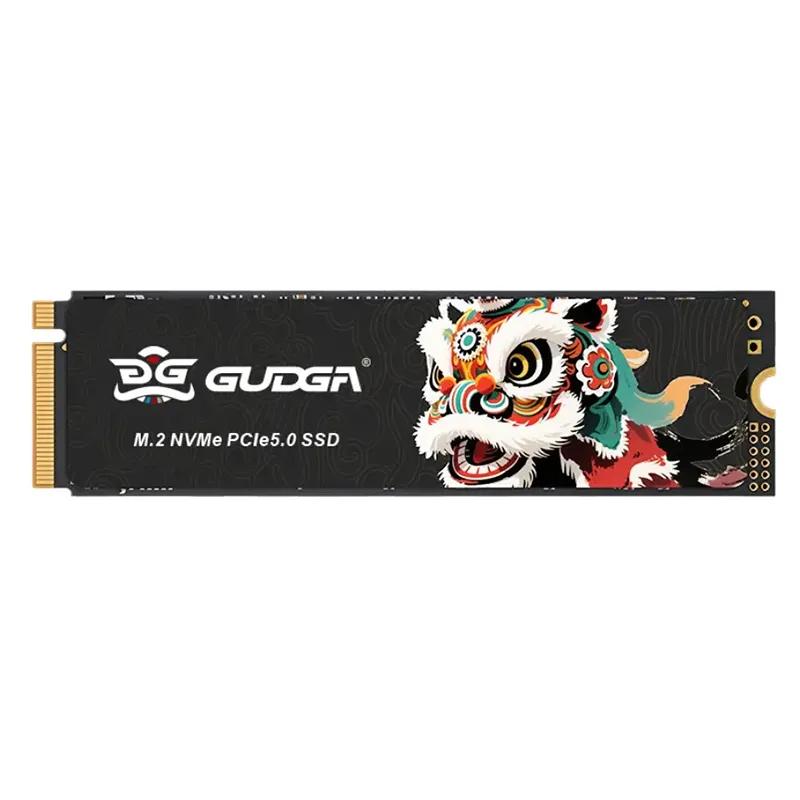
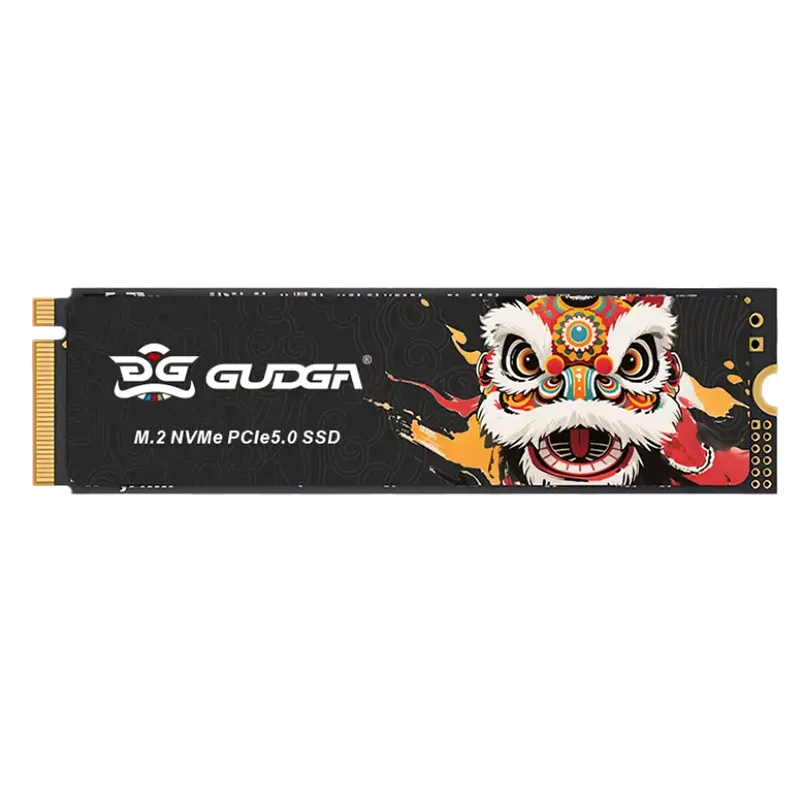
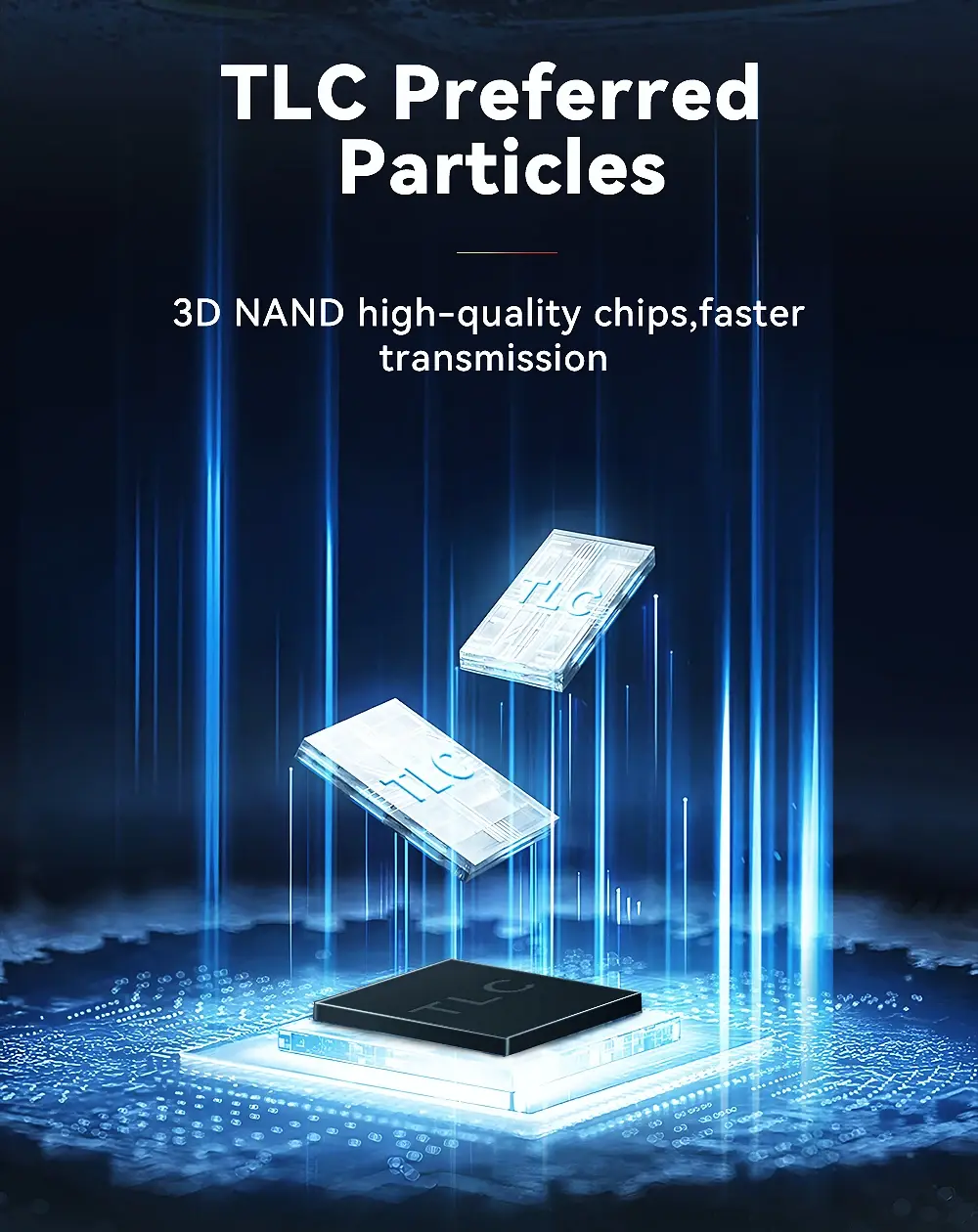
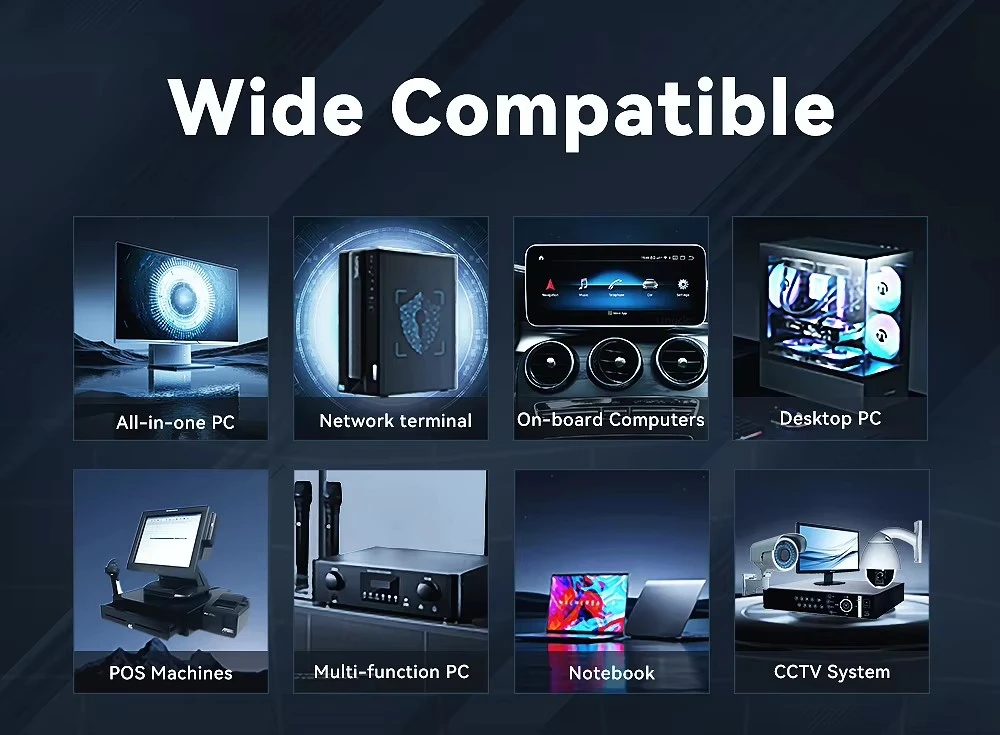
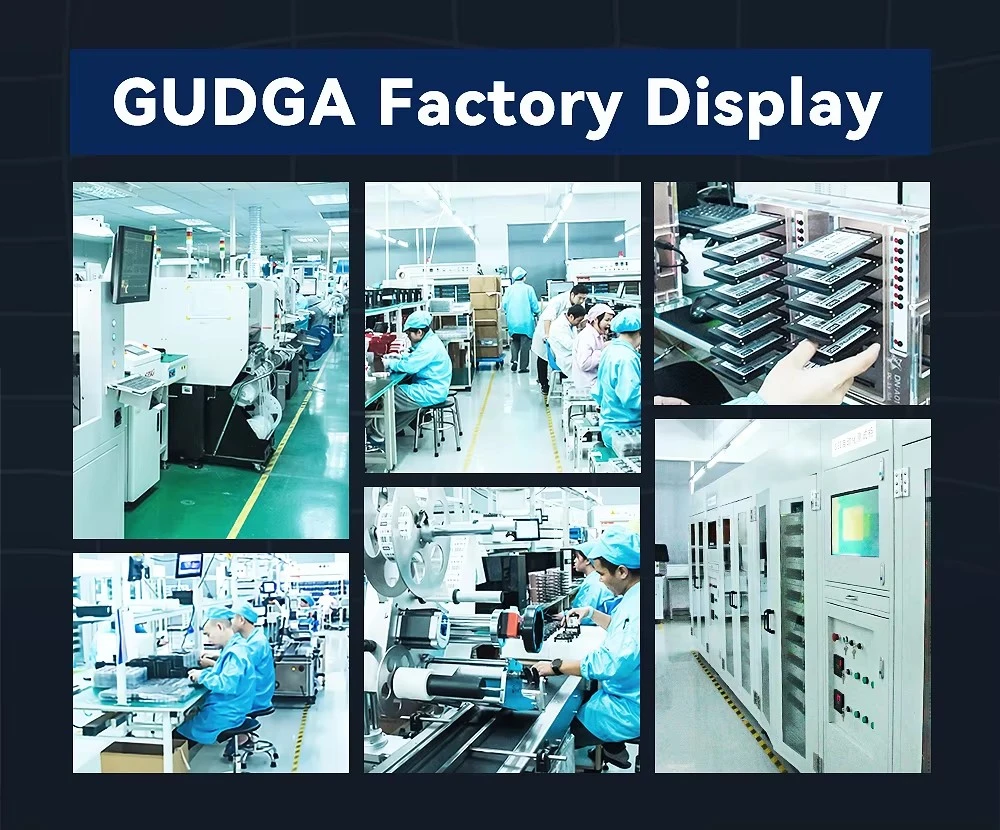
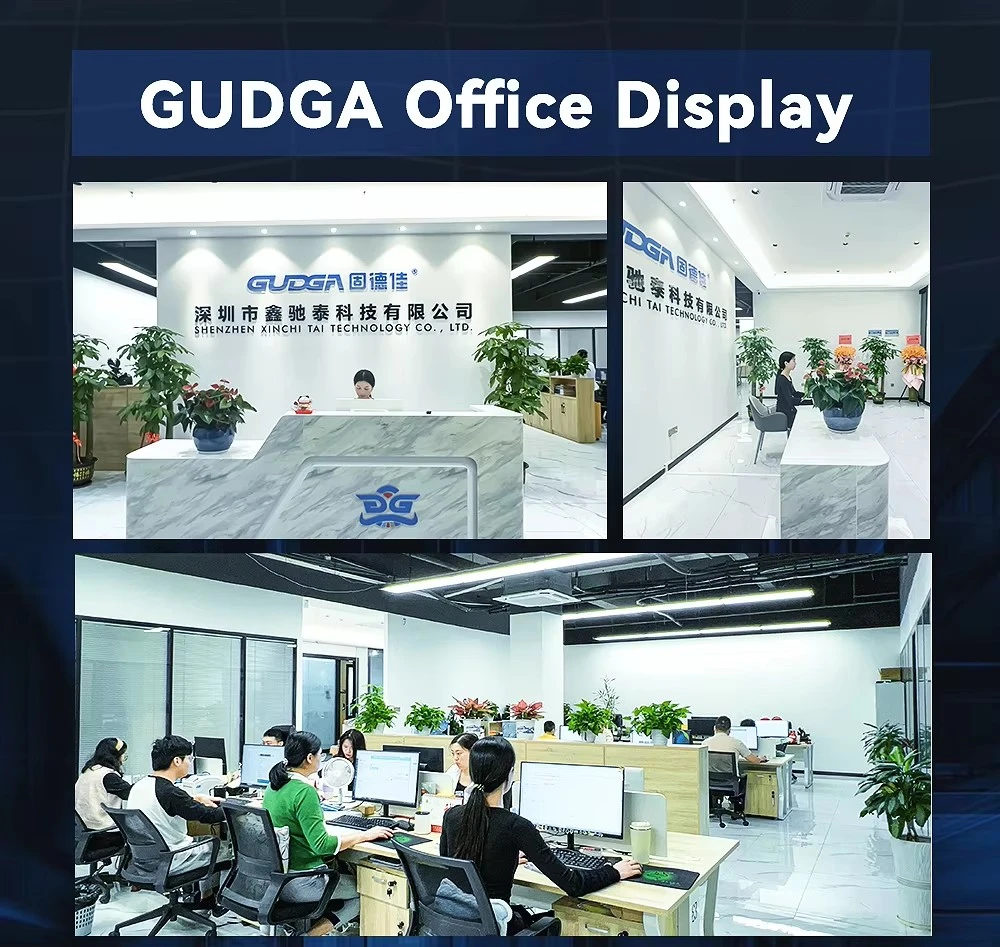
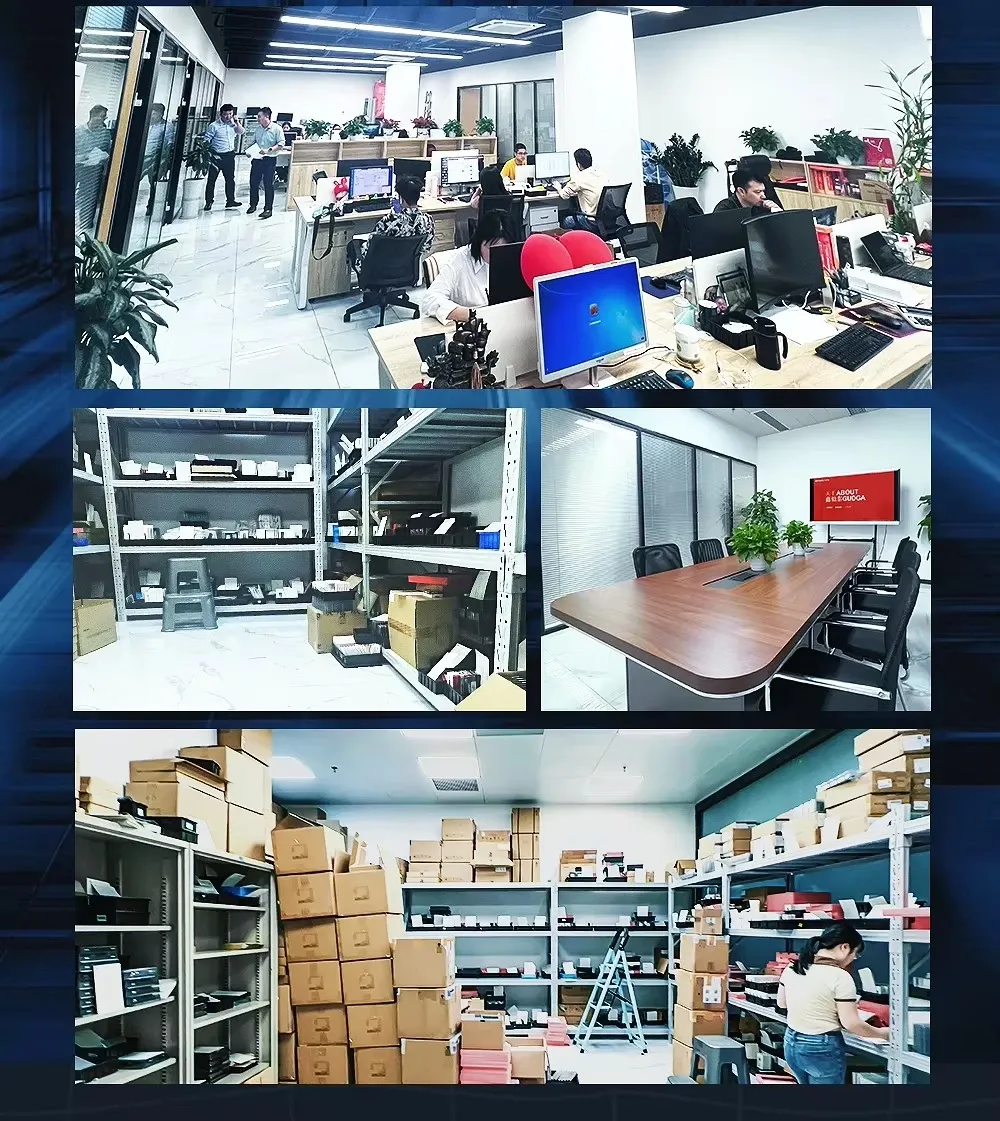
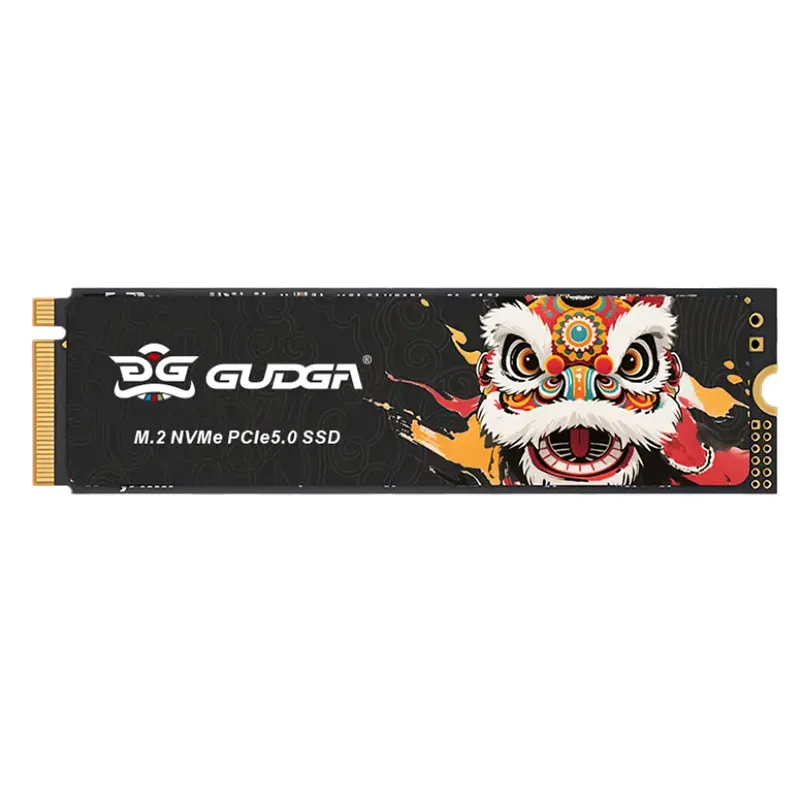
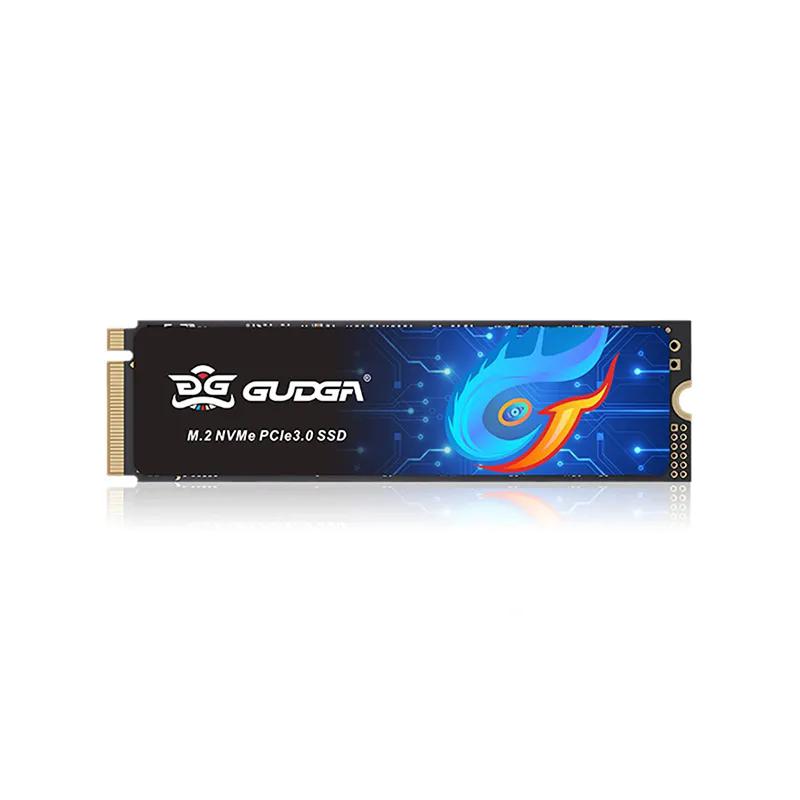
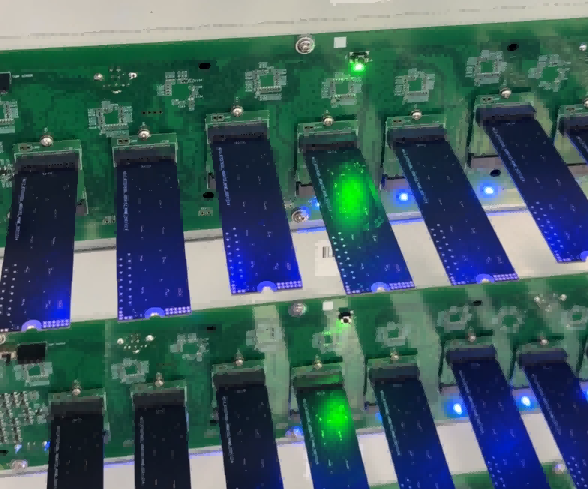
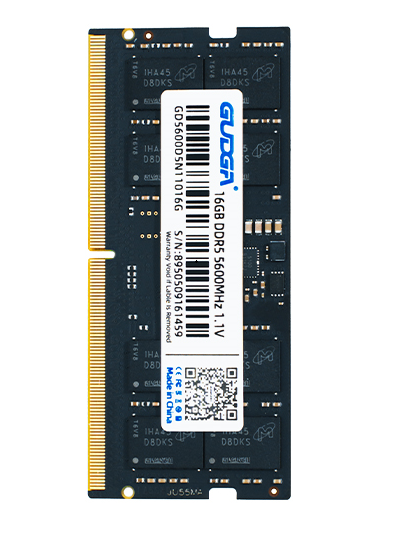
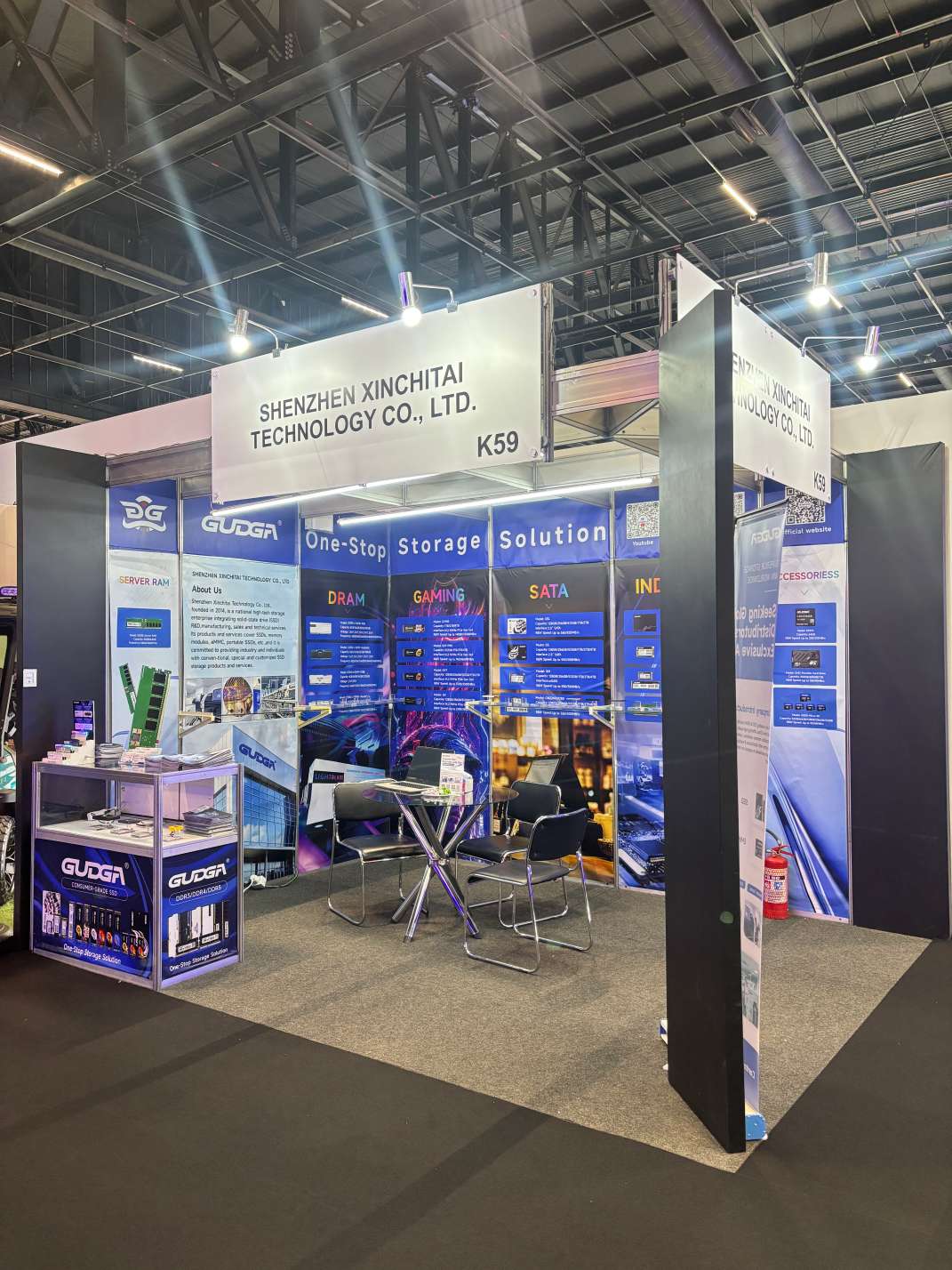
The production of GUDGA Internal Solid State Drive for Laptop and Desktop (NVMe 5.0 2280) adheres to strict international standards and sophisticated manufacturing processes, ensuring every product meets high-quality requirements. We select premium raw materials, including high-performance 3D NAND flash memory chips and advanced controllers from well-known suppliers, which lay a solid foundation for the stable performance of the SSD.
A2: Compared with traditional SATA SSDs, the GUDGA Internal Solid State Drive for Laptop and Desktop (NVMe 5.0 2280) has obvious advantages. ၎င်းသည် NVMe 5.0 ပရိုတိုကောနှင့် PCIe 5.0 x4 ချန်နယ်ကို SATA SSDs များထက် 5-8 ဆ ပိုမိုမြန်ဆန်စွာ ဖတ်ရှုနိုင်ပြီး၊ ၎င်းသည် စနစ်စတင်ခြင်း၊ ဖိုင်လွှဲပြောင်းခြင်းနှင့် ဂိမ်းဖွင့်ချိန်တို့ကို တိုစေနိုင်သည်။ In addition, it has lower power consumption and stronger shock resistance, making it more suitable for high-performance and mobile scenarios.
A: It is recommended to reserve at least 20% free space. SSDs rely on "wear leveling" to write data evenly. When the space is too full, the controller has insufficient blank cells to allocate, leading to repeated erasing and writing of a small number of blocks, which not only reduces speed but also shortens the lifespan.
A5- Laptop နှင့် Desktop အတွက် GUDGA Internal Solid State Drive တပ်ဆင်ခြင်းသည် ရိုးရှင်းလွယ်ကူသည်၊ ပရော်ဖက်ရှင်နယ်နည်းပညာပိုင်းဆိုင်ရာ ကျွမ်းကျင်မှုများမလိုအပ်ပါ။ For laptops: turn off the power, remove the shell, find the M.2 NVMe slot, insert the SSD firmly, and fix it with screws. For desktops: find the M.2 NVMe slot on the motherboard, insert the SSD, and fix it. We provide a detailed installation manual and YouTube video tutorial, which can help you complete the installation in 5 minutes. If you encounter installation problems, you can contact our customer service team for guidance.
Hot Tags: လက်ပ်တော့နှင့် ဒက်စ်တော့၊ ထုတ်လုပ်သူ၊ လက်ကားအတွက် အတွင်းပိုင်း Solid State Drive